A pause is a pause, not the end.
Comma is a voice input and speech-to-text app for iPhone, iPad, and Android. Hold to speak, slide out to pause without ending the note, and slide back when the thought returns. On-device recognition keeps working offline.
“The architecture of a paragraph shouldn't mirror the frantic pace of typing. It should breathe like speech...”
Comma at a glance
Platforms, pricing, offline support and privacy in one place.
- Platforms
- iPhone, iPad and Android.
- Core workflow
- Hold to speak, slide out to pause, and slide back to continue in the same note.
- Offline
- Yes. Download a supported on-device model and select it in Settings.
- Pricing
- Free download. On-device recognition is free. Optional Plus, Pro and Ultra plans include 5, 12 and 30 cloud hours per month; 1, 5 and 10-hour packs never expire.
- Privacy
- Recognition audio goes directly to the disclosed provider. Comma servers receive usage metadata, not audio or transcript content.
- Availability
- App Store outside mainland China; Google Play internationally.
Ideas arrive in pieces, not fully formed paragraphs.
Traditional transcription tools demand relentless fluency. They punish hesitation with messy transcripts and cut you off mid-thought. Comma is built differently. It respects the silence between words, giving you the room to wander, reflect, and refine your voice without breaking your stride.
Crafted for the thoughtful creator
Every feature is designed to eliminate friction between your internal monologue and the final manuscript.
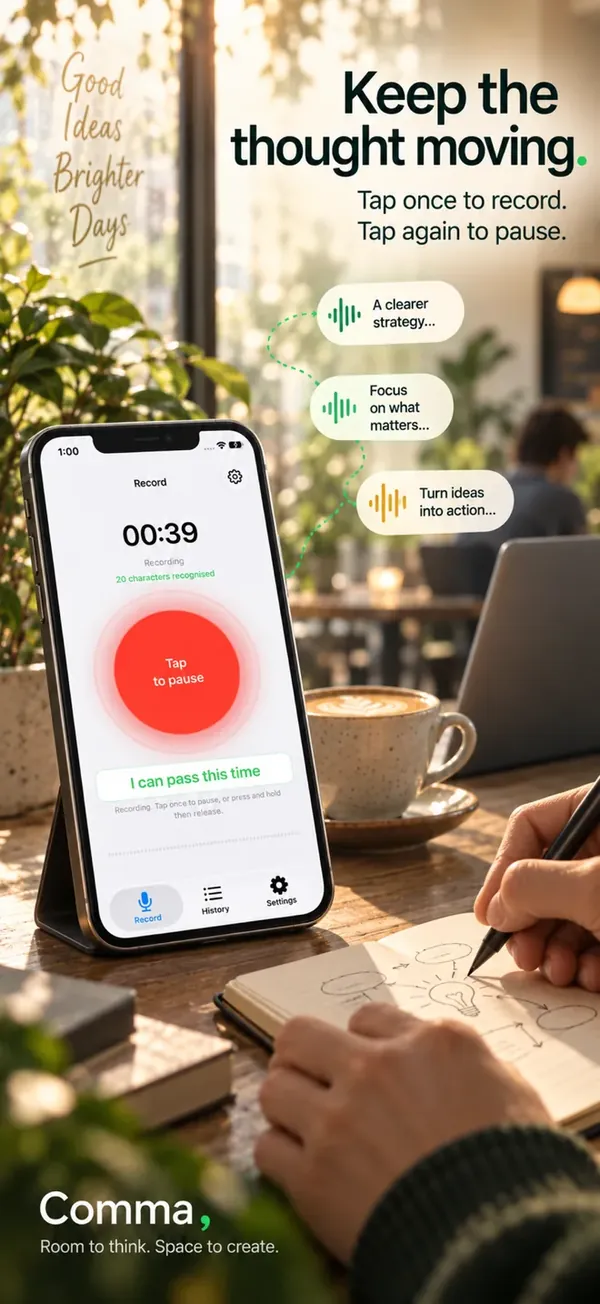
Live transcription
Watch your words stream onto the screen in real time with remarkable punctuation accuracy and adaptive grammar parsing.
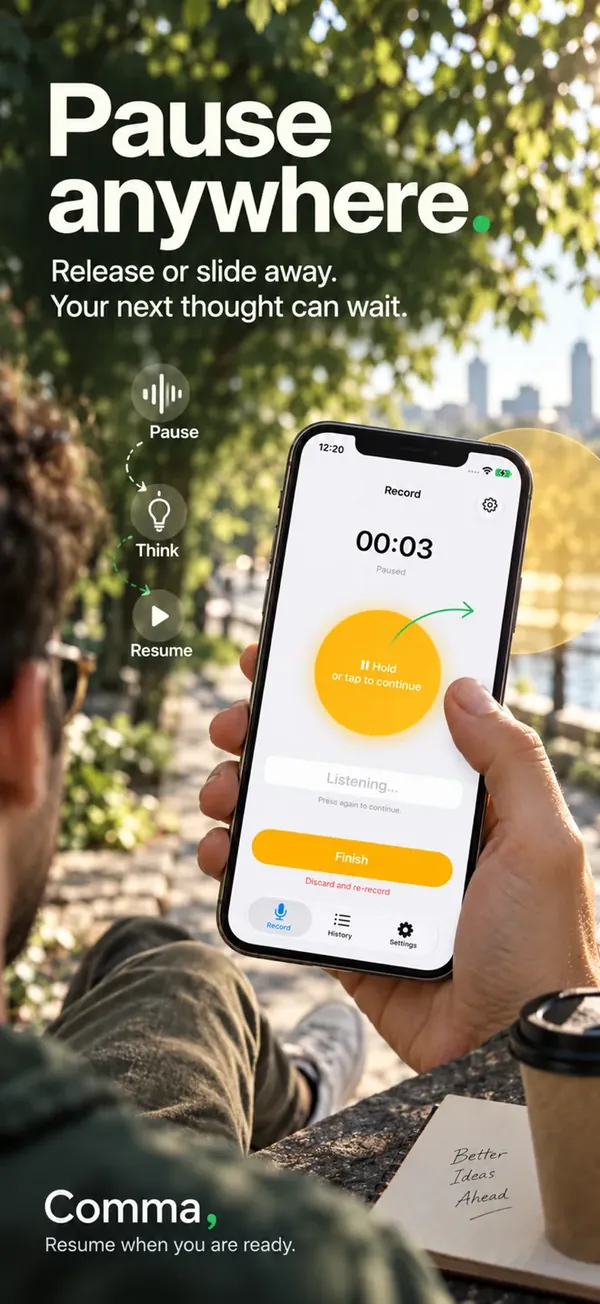
Pause and continue
Seamless thought continuity. Stop to gather your bearings and resume speaking without creating fragmented audio files.
Background recording
Keeps recording while you switch apps or lock the screen, so you can reference a document, a browser tab, or a design canvas without stopping the note.
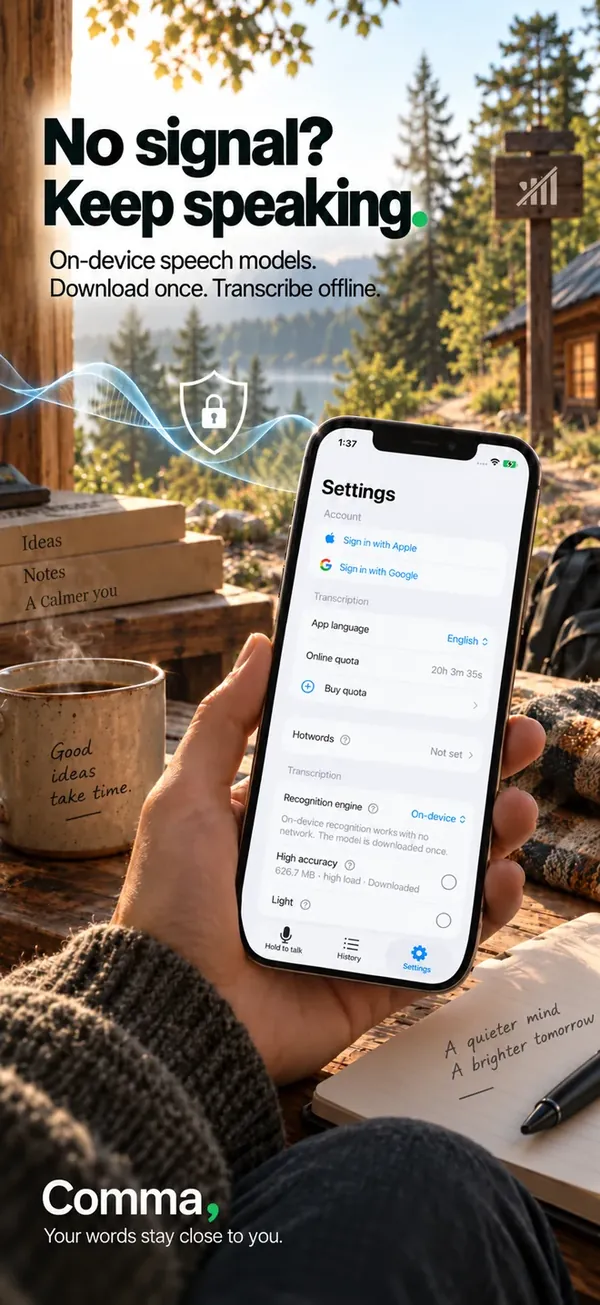
On-device recognition
Private and lightning fast. Choose on-device recognition when you want audio to stay on your phone.
Audio import
Easily transcribe existing voice memos recorded on your phone or field recorder with the same editorial precision.
Hotwords
Custom vocabulary support for specialized terms, proper nouns, technical jargon, and unique character names.
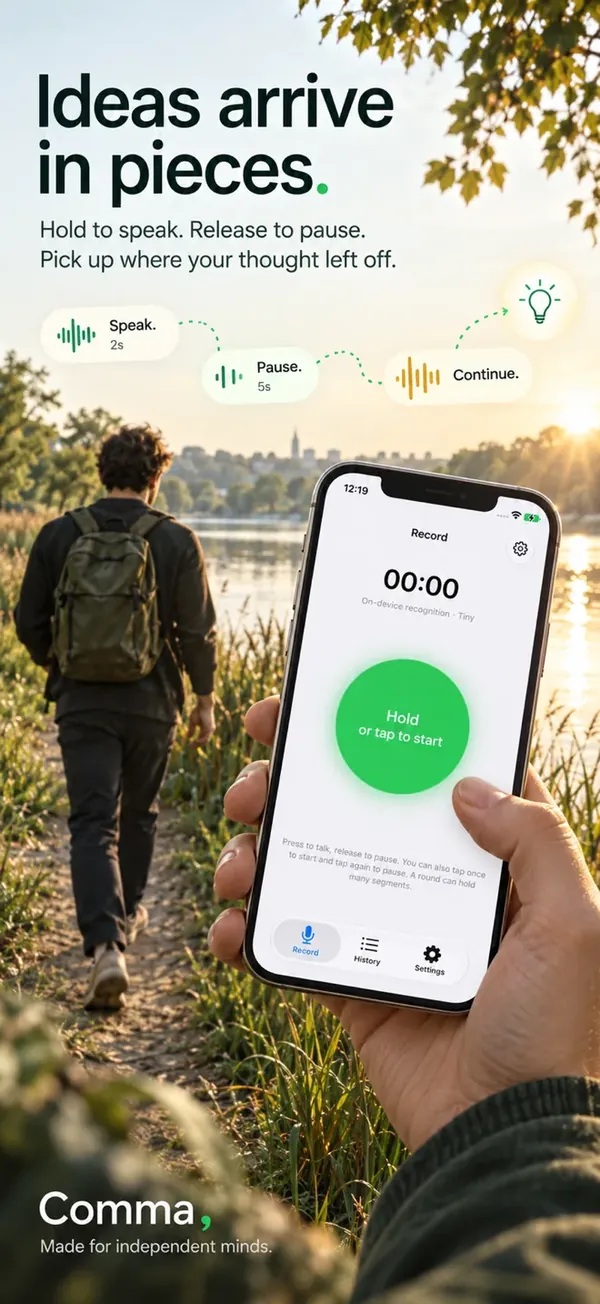
See Comma in action
Real screens from the iPhone app, in your language.
A simple three-step workflow
Designed around natural human cognition rather than machine limitations.
Hold
Press and hold the main record button and start speaking. Comma instantly opens an unobtrusive listening channel.
Pause
Slide your finger out of the button or release it when gathering your thoughts. Comma keeps the current segment safe and waits for your next phrase.
Continue
Pick up right where you left off. The output merges smoothly into a unified paragraph without jarring transitions.
Your words belong only to you.
Choose on-device recognition when you want audio to stay on your device. Online recognition sends audio directly to the disclosed recognition provider. The iOS mainland China service asks for separate confirmation before first use. Comma servers receive usage metadata, not recognition audio or transcript content.
- On-device recognition when selected
- Encrypted online transcripts
- No permanent recognition audio files
Choose your recognition mode
Use a downloaded on-device model when you want recognition to remain on the phone.
Built by creators, supported by humans.
Questions about using Comma, recognition modes, or hotwords? Find clear answers in Support.
Comma FAQ
Short answers to the questions people ask before trying Comma.
What is Comma?
Comma is a voice input and speech-to-text app for iPhone, iPad and Android. It lets you hold to speak, slide out to pause, and continue in the same note.
Does Comma work offline?
Yes. Download a supported on-device model in Settings and select it; recognition then runs on your device without a network.
How much does Comma cost?
Comma is free to download and on-device recognition is free. Optional Plus, Pro and Ultra plans include 5, 12 and 30 cloud hours per month; 1, 5 and 10-hour packs never expire. Prices are shown in the app before purchase.
Where can I download Comma?
Comma is on the App Store for iPhone and iPad and on Google Play for Android. Use the download page for both store links and QR codes.
Can I import audio into Comma?
Yes. Import audio or voice memos, transcribe them, and continue recording in the same note.
Begin your next piece with a breath.
For iPhone, iPad, and Android.

Scan to download on the App Store
Scan to download on Google Play